27 kits live, founding access open
Build game features fast. Stop rebuilding the same systems.
Ask for the feature, in plain words, in Roblox Studio or UEFN. PlayKit's kits build it, test it, and hand your AI a PASS or a FAIL, so you're shipping instead of rebuilding the save system again.
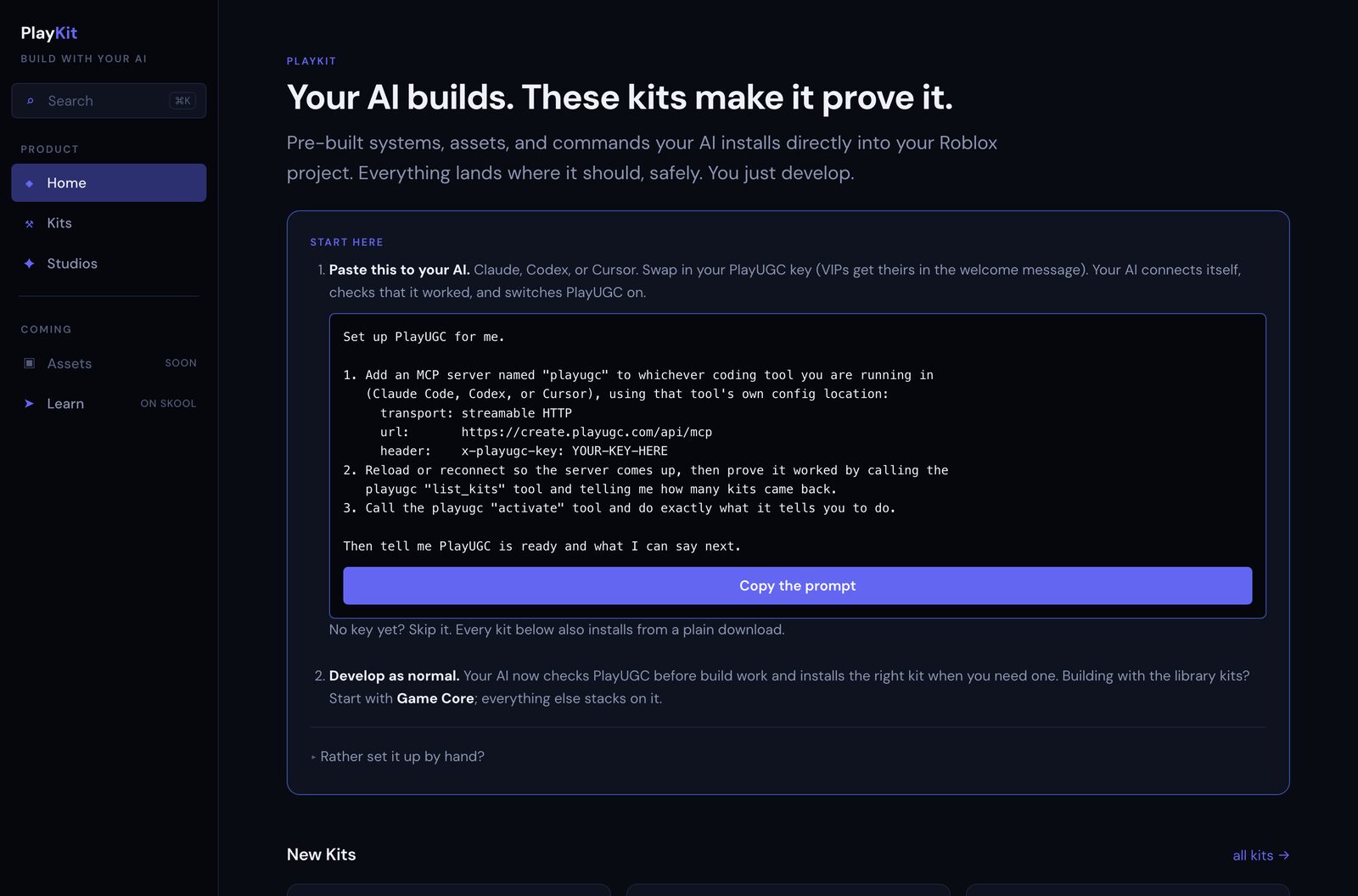
Free to watch before you pay. PlayKit never asks for your Roblox or Epic account or your API keys to get started.
Watch it happen
One sentence in Studio. A working feature in 71 seconds.
One take, no cuts, no voiceover telling you what to think. Paste one line, and 71 seconds later a tree is standing in your game, placed from a build menu your AI just built.
You say one sentence
"Install and activate the PlayKit agent kit." Your AI does the rest, and stops once: it shows you the standing instructions it wants to add, and waits for your OK before writing anything.
The console proves it
Your AI's own terminal lists what it did: added the connection, checked it, switched it on. Nothing to take on faith.
You're already building
A build menu shows up mid-playtest, tabbed Nature and Props. Tap Tree, and it's standing in the world right away.
Real screen recording, unedited. 0:00 pastes the install prompt. 0:10 the AI wires it up and confirms it. 0:45 a tree goes from a build menu into a live Roblox Studio playtest.
Ambient audio only, no voiceover. Nothing here needs sound to make sense.
The stuff that kills games silently
The systems nobody wants to build exist by the time you finish your coffee
Every new project starts the same way: rebuild the save system, rebuild the economy, rebuild the mobile UI, again. PlayKit already built that, already gate-tested it, so you ask for it instead of rebuilding it.
No Blender required
Describe it, approve it, it's in your game
Describe what you want and approve the concept art, and it becomes a real 3D asset on your own Roblox account, props, avatar accessories, clothing, no modeling software needed. 60 style-matched UI icons install the same way.
Everything you generate uploads to your own account, so it stays yours.
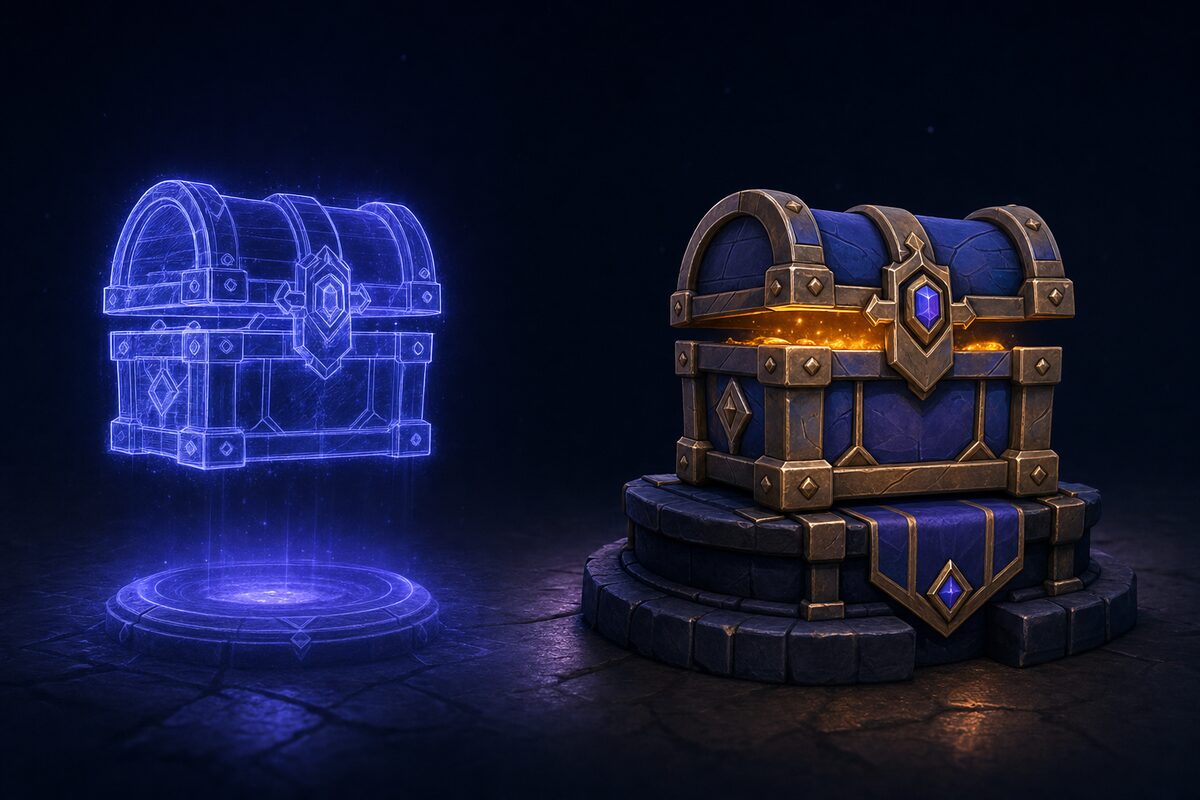
Concept first, asset second. You approve the art before anything is generated or uploaded.
Stop guessing if it works
It either passes or it doesn't.
Bots play your build across phone, tablet, and desktop before a real player does, and Launch Check hands back a GO or a HOLD. The Safety kit scans a bought asset pack for backdoors before it touches your game, so you spend your time building the next feature, not re-checking the last one.
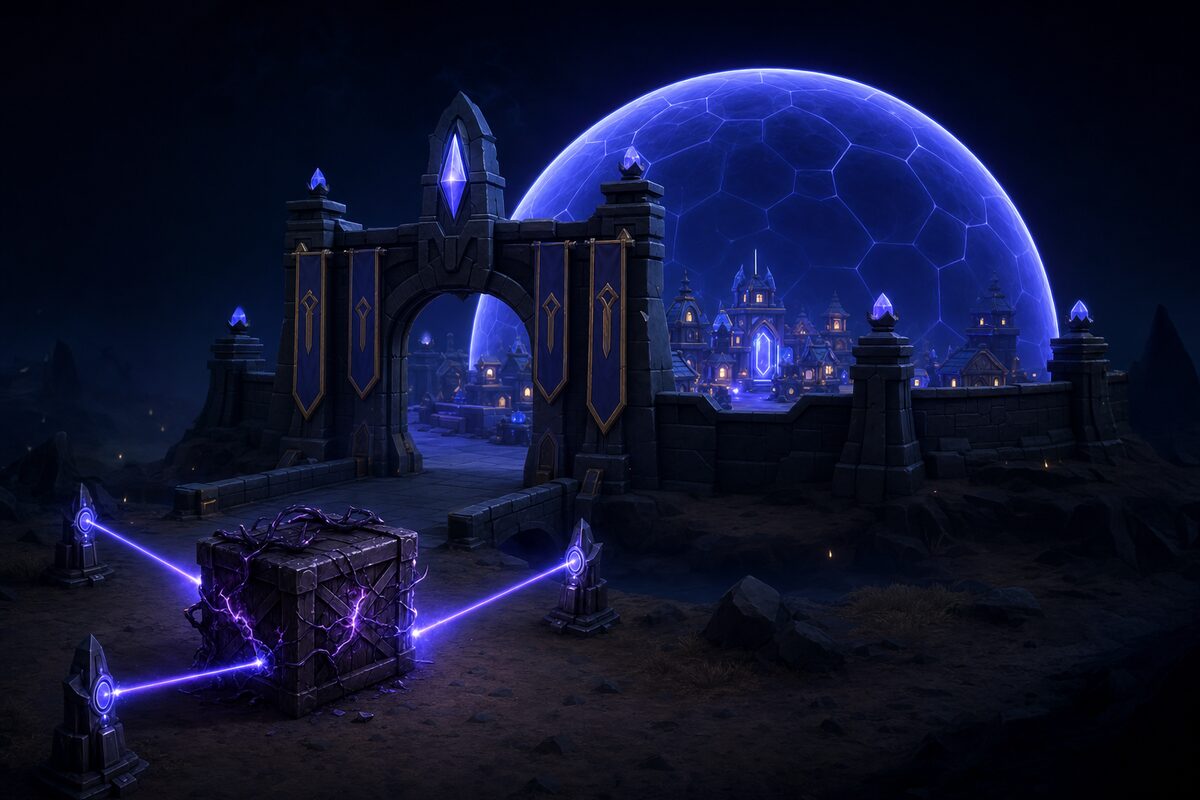
Bought asset packs get scanned before import. A confirmed backdoor is a non-waivable HOLD.
Roblox and UEFN: 27 kits, 49 plain-word commands
Every system your next game needs, already built and already proven
This is the real catalog, pulled from the app: economy, saves, UI, analytics, safety, UEFN, and more, for Roblox and Fortnite. Eight are labeled beta, on purpose, so you always know exactly what you're standing on.
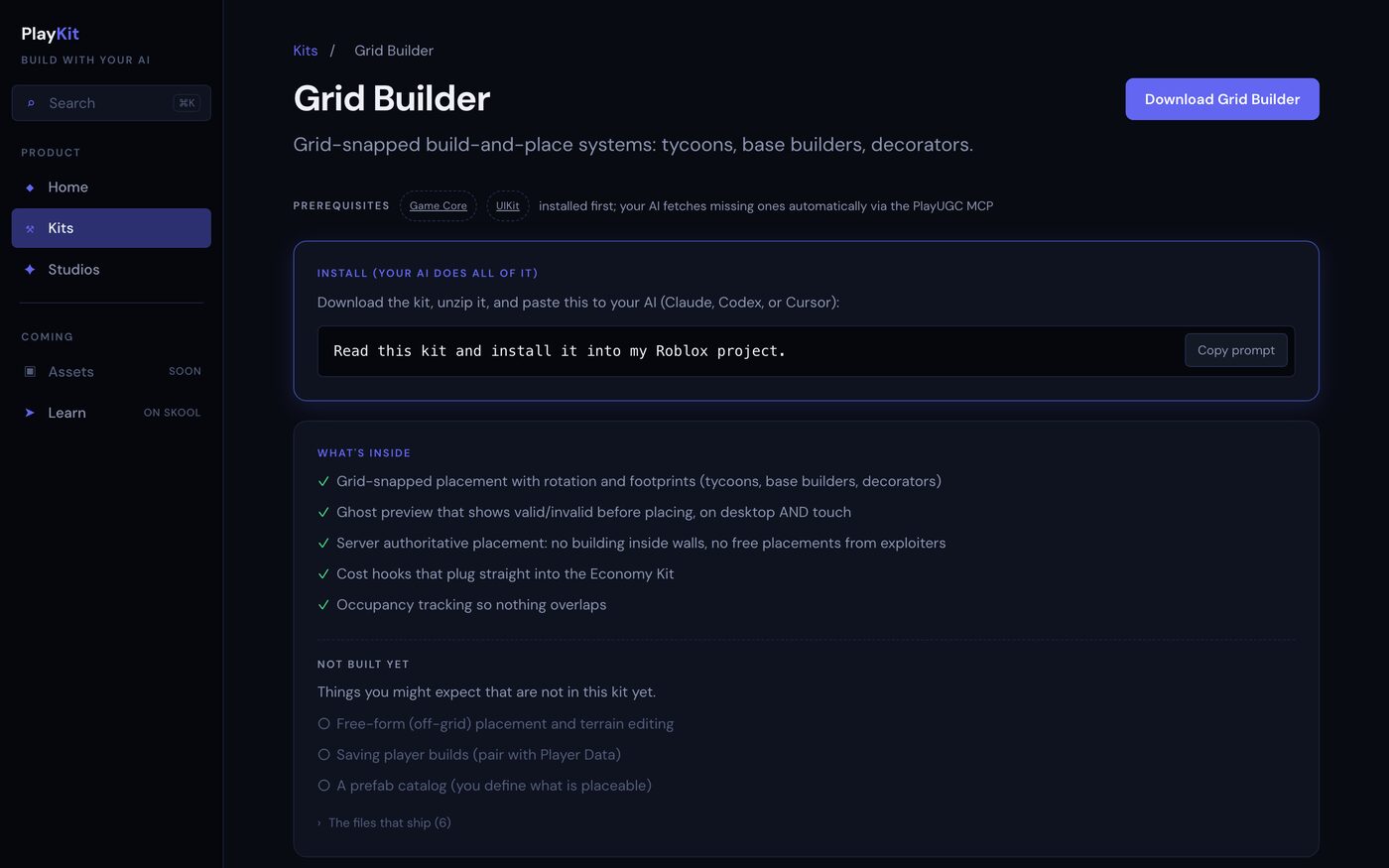
Grid-snapped build-and-place systems: tycoons, base builders, decorators.
Player save data that survives crashes, trolls, and Roblox itself.
Currencies, rewards, quests, chests, and merges that cannot be duped.
Feature tests or a full regression, independently verified, across device sizes.
The whole pre-flight in one command: full QA, perf audit, publish checklist, GO or HOLD.
Turn any image into a textured Roblox mesh.
Reference images to a sellable Roblox avatar accessory, no Blender, no modeling.
A themed Roblox UI component library your AI installs, uses, and audits.
Spawning, brains, pathing, and animated characters for living worlds.
Audit any pack you bought before it touches your game, and check every texture before it touches your account.
Wire the funnels that tell you why players stay or leave.
Ten skills that keep your AI inside what UEFN actually allows.
Code moves to files and back on purpose, and your world backs up to git.
Find what an exploiter would find in your own code, before they do.
The gated build loop: phases, ledger, retry caps, resume.
For Fortnite creators
UEFN fails quiet. Every write still says it worked.
Ten UEFN skills ship in the same subscription, no extra charge. A property write can return true while a construction script throws the change away on the next tick, and nothing in the response tells you that happened.
The same failure, three different ways, and the skill that catches each one:
| What your agent sees | What actually happened |
|---|---|
| Property write returns true | A construction script threw it away next tick. uefn-debug |
| Fog density set to 0, then back | The fog component unregistered itself. It does not come back. uefn-lighting |
| The fix is verified in the editor | Editor edits never reached the running game, there is a push gate. uefn-mcp-session |
A router skill reads the symptom first and sends the work to the right domain skill.
Proven live: from one reference mockup to a working in-game shop UI in one working day. 19 generated art assets, a 65 widget panel, textures imported with zero manual drags, and the button that opens it firing in a running session. Not hands-free yet: a few steps still needed a human, and we know exactly which ones.
The skills are measured, not asserted: 47 scenarios, graded on the worst run, 34 to 70 percent across eight rounds. UEFN is Windows only, so this pack is too, and it stays fenced from the Roblox kits: its own catalog, its own routing, its own install. A Roblox project never downloads UEFN tooling, and a UEFN project never downloads Roblox tooling.
What it replaces
Less than hiring one system built. You get all of them, every month.
Hiring someone to build and prove one save system or economy usually costs more than a month of founding access, and you're probably already paying for the AI assistant itself. PlayKit is what that subscription is missing: everything your AI builds, tested instead of guessed.
Who's behind it
Built by people who ship
PlayKit comes out of the team that built the number one UEFN game globally, the official MrBeast map, and a Disney Star Wars activation. These are the same systems PlayUGC's own team installs on paid client work, not demo kits made to look good in a video.
- Every kit lists exactly what's included, and what isn't, before you install it.
- Eight kits are labeled beta on purpose. You always know which ground is solid.
- PlayKit never asks for your Roblox or Epic account or your API keys to get started. Anything optional stays yours, on your own machine.
Questions
The things people ask first
Do I need to know how to code?
No. You describe what you want, in your own words, to your AI. PlayKit's kits do the building and the proving. You never have to open a script to get a working system.
Which AI assistants does PlayKit work with?
Claude Code, the Codex and ChatGPT desktop app, and Cursor, all through the same connection to Roblox Studio. Claude gets the deepest support because it's what we build and test with every day. The other two run the same prompts.
Does PlayKit work for Fortnite and UEFN?
Yes. UEFN Skills ships in the same subscription, no extra charge: one router skill plus nine domain skills that keep your AI inside what UEFN actually allows. It exists because a UEFN property write can report success while the change never reaches the running game. It's Windows only, since UEFN itself is, and it stays fully separate from the Roblox kits: its own catalog, its own routing, its own install.
Can I add PlayKit to a game I already started?
Yes. Point your AI at your existing place and ask it to install and activate PlayKit. It works alongside what you've already built.
Will it overwrite my code?
No. Install is additive by design. It never overwrites code you've already written, it only adds what's missing, resolves what it depends on, and writes down everything it did in a manifest you can read.
What does activate actually write?
One block of standing instructions, appended to the file your AI already reads: CLAUDE.md for Claude Code, AGENTS.md for Codex, .cursor/rules/playugc.mdc for Cursor. Nothing else, and nowhere else. The whole block is published at What activation writes, served by the same function the tool calls, so you can read it before you install anything. Your AI is told to show it to you and wait for your OK before writing it, and deleting the block turns PlayKit off.
What does PlayKit send back to PlayUGC?
Three things. Routing sends the first 300 characters of a build request so it can pick the right kit. Issue reports send the shape of a failure only, and the server redacts paths, URLs, ids, emails and key-shaped strings before storing them. And every request your key makes records a peppered hash of your IP address, an install hash, and a country, to deter one key being shared across seats. Nothing else leaves your machine: no source, no place contents, no asset ids, and no Roblox credential, because we never hold one. The full disclosure is here.
Do I own the assets it gives me?
Yes. Every prop, mesh, accessory, and piece of clothing PlayKit generates uploads as a real Roblox asset on your own account or group, permanently, and the 60 UI icons install the same way. They're yours to keep, reskin, and ship, in this game or the next one.
What does "beta" mean on some kits?
It means we're still hardening it and we're telling you so, instead of hiding it. Eight kits currently carry the label. Everything else has already run its gate and passed.
Is this one of those tools that needs my Roblox account?
No. PlayKit never asks for your Roblox account, your password, or your API keys to get started. If a kit ever uses an optional key, for extra AI-generated assets, for example, it's your key, stored on your own machine, never ours.
See it work before you decide anything.
71 seconds from one install sentence, to a gate line, to a piece placed and working in your game.
$67 a month through the PlayUGC community. Cancel anytime. No Roblox or Epic account or API keys required to start.